Choosing the right laptop can feel overwhelming, especially when comparing technical specifications, performance requirements, and budget limitations. For many people, refurbished Intel Core i7 laptops offer an effective balance between cost and capability. They can suit personal use, study, remote work, or mid-level professional tasks when selected carefully.
A refurbished laptop can provide a capable computing experience when it has been restored correctly. Refurbished Intel Core i7 laptops are particularly popular because the processor still performs well for a wide range of tasks. The Intel Core i7 series is known for stable multitasking capacity, responsive application handling, and dependable processing speeds.
A well-selected refurbished model can support writing, spreadsheets, browsing, media, software tools, communication platforms, and even moderate creative tasks. When combined with upgraded storage and sufficient memory, the system can feel close to new in daily use.
Many refurbished units today include modern components that improve reliability. For example, many devices are fitted with solid-state drives (SSDs) which significantly improve loading times. Others may receive fresh thermal paste, cleaned cooling systems, or tested batteries. These improvements help the laptop sustain stable performance over time.
There are several reasons people continue to choose business performance laptops refurbished rather than new laptops:
- They provide excellent value because the internal hardware is still capable.
- They allow people to work with professional software without buying the latest model.
- They reduce electronic waste by extending the usable life of existing devices.
- They help students and small businesses access capable systems at reduced cost.
When an i7 laptop is refurbished by a knowledgeable supplier and tested thoroughly, it often meets the demands of office work, remote roles, consultancy, writing, coding, online learning, and light content creation.
Technical Specifications That Matter Most
Technical specifications provide the foundation for consistent performance. Before you choose any refurbished laptop, check that the internal hardware meets the minimum standards for modern use. Below is a table that outlines the essential components you should examine, followed by further detail.
|
Specification |
Why it matters |
Suggested baseline |
|
Processor generation and model |
Determines performance, efficiency, and future software compatibility |
Intel Core i7 sixth generation or newer |
|
Memory (RAM) |
Enhances multitasking and speed during medium workloads |
At least $8 \text{ GB}$, ideally $16 \text{ GB}$ |
|
Storage type and capacity |
Affects boot speed, application loading, and file management |
$256 \text{ GB}$ SSD or larger |
|
Battery condition |
Supports portable use and reduces downtime |
Verified or replaced battery |
|
Warranty or support |
Gives reassurance and risk reduction |
Any form of return policy or short warranty |
When you examine a refurbished device, try to confirm the following points:
- Processor generation: Later generations handle demanding software more effectively. For productivity, sixth generation or newer provides stable performance.
- Memory: While $8 \text{ GB}$ of RAM works for simple tasks, $16 \text{ GB}$ ensures smoother multitasking and long-term usability.
- Storage: SSD storage creates a noticeably faster experience. It also helps the operating system run smoothly.
- Battery health: A tested or replaced battery helps ensure the laptop remains practical for portable use.
- Support: Even a short return window adds security and demonstrates confidence in the refurbishment process.
These specifications influence how the laptop performs during heavy browsing, online learning, data analysis, or light creative tasks. When combined with a reliable refurbishment process, they create a balanced system for both home and professional users.

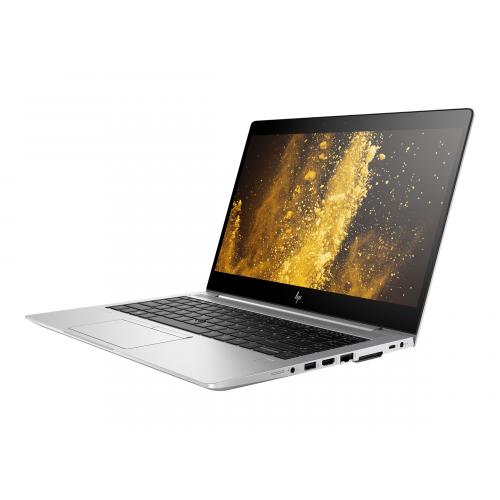
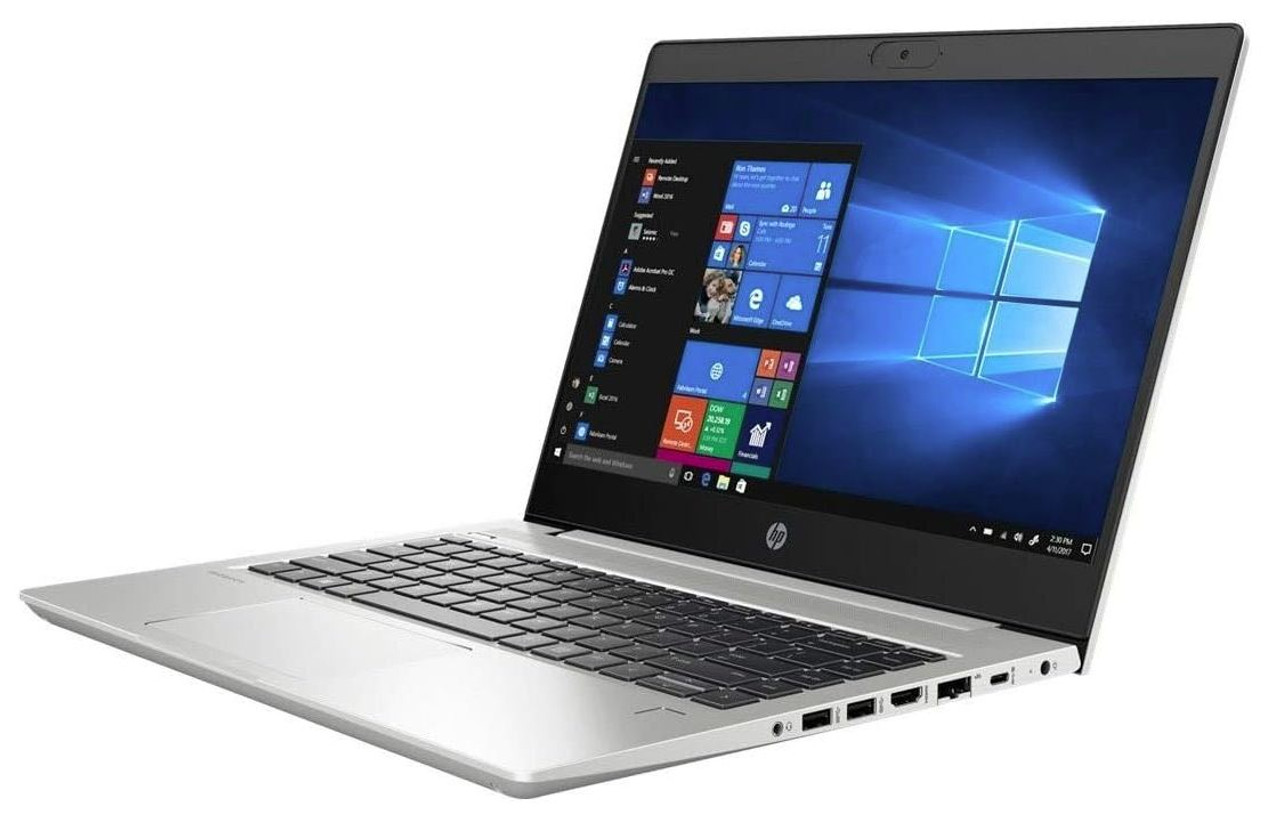
Explore our hand-picked selection of HP Elitebook 840 G8 - Intel Core I7 that meet these high-performance standards and are ready for professional use.
How to Evaluate Refurbished Quality with Confidence
Specifications alone do not guarantee reliability. The quality of refurbishment determines how long a device will last. When browsing refurbished Intel Core i7 laptops, examine the following quality indicators closely.
Refurbished Quality Checklist
- Confirm that the laptop underwent full diagnostic testing that includes memory, storage, processor, ports, and display.
- Inspect the casing for any structural concerns such as loose hinges or poorly aligned panels.
- Check that the keyboard responds correctly with no sticking keys.
- Test the trackpad to ensure accuracy and smooth movement.
- Verify that all physical ports recognise devices properly including USB, audio, networking, and video outputs.
- Ask whether the cooling system was cleaned during refurbishment. A clean cooling system helps the device maintain stable temperatures.
- Ensure that an SSD is installed. This upgrade extends the practical lifespan of business performance laptops refurbished to modern standards.
- Request information about any internal repairs or parts replaced during refurbishment.
- Check whether the laptop powers on without lag and remains responsive when opening several applications.
A strong refurbishment process relies on methodical cleaning, component checks, and functionality testing. Reputable refurbishers follow this type of structured process. It involves cleaning internal systems, checking cooling, confirming diagnostics, and performing repairs where necessary. This level of refurbishment contributes to long-term reliabilit
When a computer has gone through this kind of structured assessment, the user experience improves. The system runs more smoothly, responds more quickly, and handles multitasking with minimal interruption.
When a Refurbished Intel i7 Laptop Suits Your Daily Tasks
Not every user requires the newest or most advanced device. Many daily tasks are handled effectively by high performance refurbished laptops with an i7 processor. Understanding which tasks suit a refurbished system can help you build realistic expectations.
Below is a table that outlines four common use cases and the specifications that support them.
|
Use case |
Recommended specification |
Expected outcome |
|
Office tasks, research, writing |
i7 sixth generation or newer, $8 \text{ GB}$ RAM, $256 \text{ GB}$ SSD |
Smooth multitasking, quick document handling, and consistent browsing |
|
Software development and coding |
i7 seventh or eighth generation, $16 \text{ GB}$ RAM, solid cooling |
Improved compile times, responsive development tools |
|
Data handling and organisational tasks |
i7 seventh generation or newer, $16 \text{ GB}$ RAM, SSD storage |
Stable spreadsheet management, reliable database work |
|
Remote and on the go work |
i7 processor, tested battery, reliable ports |
Steady performance during travel and online meetings |
A refurbished i7 device can handle these workloads with ease when examined carefully before purchase. For users who rely on steady and consistent performance, such as remote workers or small business owners, a refurbished workstation laptop may also offer an excellent combination of value and power.
Many people appreciate the fact that a refurbished laptop can feel familiar and comfortable without requiring a large investment. It allows users to focus on productivity rather than worrying about the cost of new equipment.
Reputable sellers demonstrate that a transparent refurbishment process helps people choose confidently. When a seller shows testing results and refurbishment details, buyers can understand exactly what they are receiving.

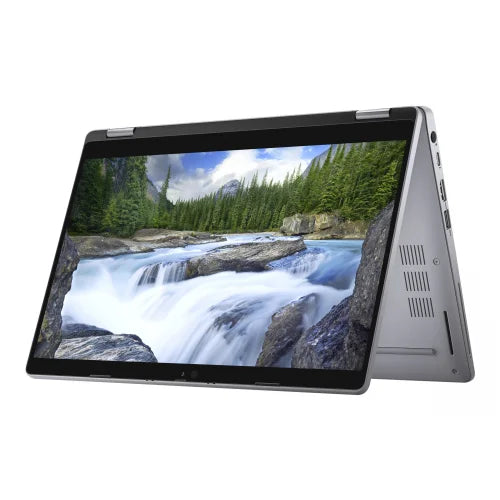
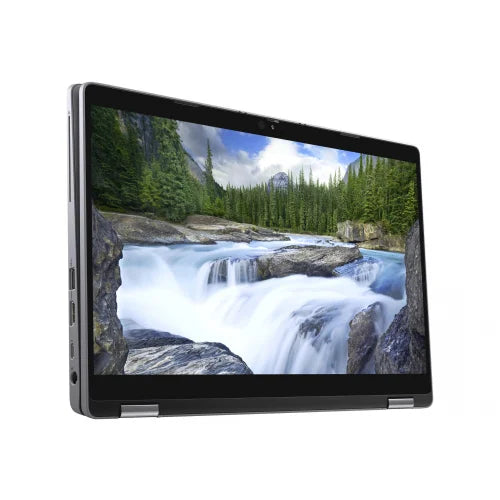
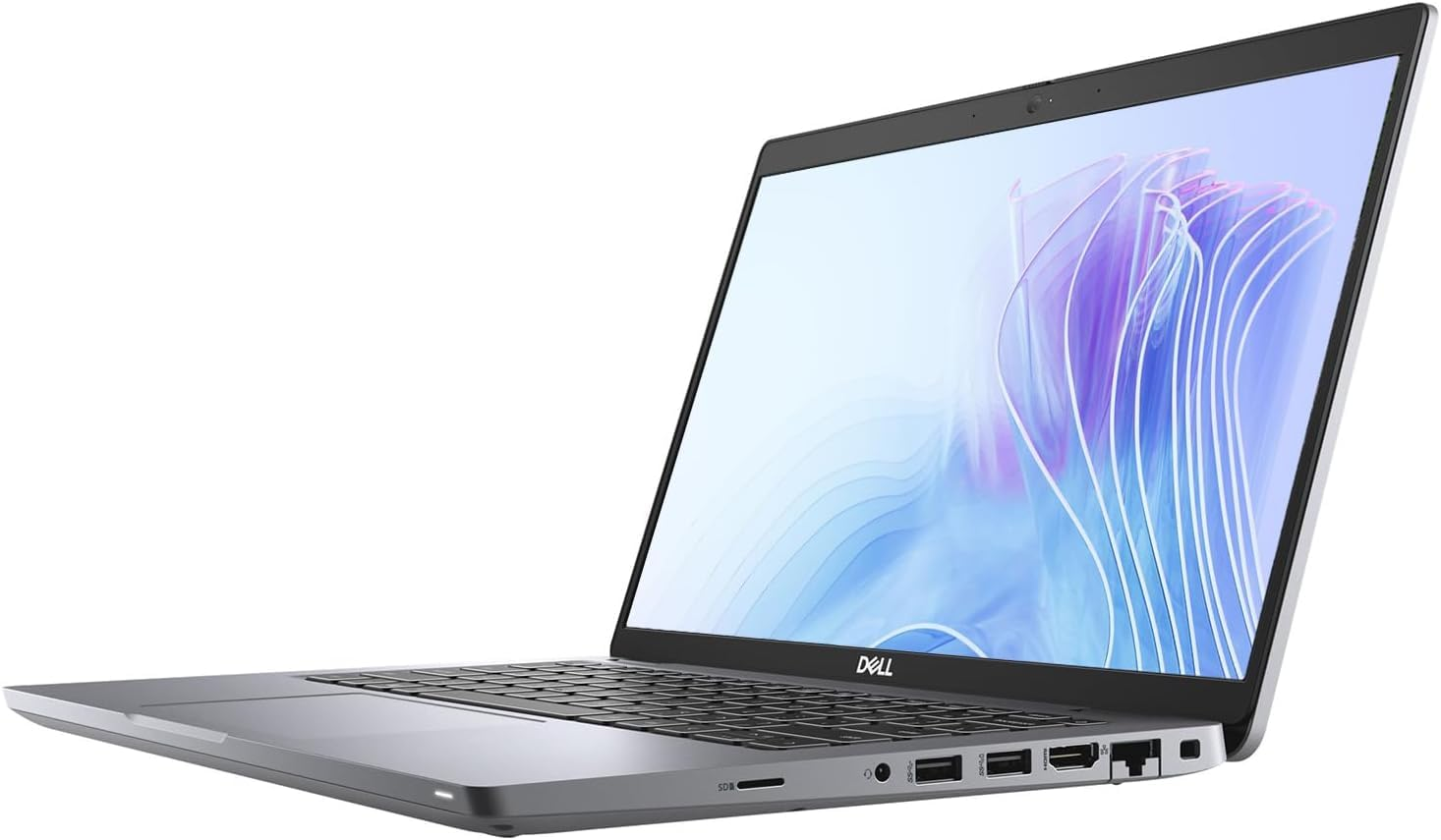
Check out our current stock of the Dell Latitude 5310 2-in-1 Intel Core i7, a versatile powerhouse that meets these high-performance standards and is ready for professional use.
Final Thoughts
Carefully selected refurbished Intel Core i7 laptops provide a sensible balance of value, capability, and sustainability. Instead of purchasing the latest model every year, many people find that a refurbished i7 laptop serves their needs effectively for work, study, or personal tasks.
To make a reliable choice, focus on processor generation, memory, storage type, battery condition, and refurbishment quality. Do not rush into buying solely based on price. Instead, look for a device that has been tested, cleaned, and prepared properly.
Always verify that the laptop functions well during real-world tasks. Open several applications, browse the web, type on the keyboard, and plug in accessories to ensure compatibility. These steps reduce uncertainty and help you find a device that meets your expectations.
If you need guidance when browsing refurbished systems, reviewing the standards followed by reputable suppliers can help you understand the type of refurbishment practices to look for. Reliability comes from careful testing and attention to detail.
When you combine sensible specifications with strong refurbishment standards, a refurbished i7 laptop can provide long-term value and consistent performance. Contact Us if you would like professional advice on choosing your next refurbished system.
Frequently Asked Questions
Are refurbished Intel i7 laptops dependable for regular work?
Yes, when refurbished with proper diagnostics and component checks, i7 laptops can handle regular tasks effectively. Many refurbished models continue to perform well for everyday work such as browsing, writing, and communication platforms, offering a powerful and reliable solution for users.
Is SSD storage essential in a refurbished laptop?
SSD storage is highly recommended because it significantly improves loading times and overall system responsiveness. Even with a capable processor, using an SSD ensures the device feels smooth and quick during daily operation, making it a worthwhile upgrade for any user.
How much memory do I need for stable performance?
For general tasks, $8 \text{ GB}$ is acceptable, though $16 \text{ GB}$ offers better multitasking and long-term flexibility. Higher memory helps maintain system stability and speed when several demanding applications are open simultaneously, providing a smoother user experience.
Do refurbished laptops come with support or warranty?
Many reputable refurbished models include a short warranty or a return window. This gives you reassurance and demonstrates that the refurbishment process has been carried out responsibly. It is always wise to verify the support and warranty terms before purchasing to ensure peace of mind.
Are refurbished laptops suitable for travel?
Yes, a refurbished laptop works well for travel when the battery has been tested and the chassis and ports are confirmed to be in good condition. Lightweight models with SSD storage also improve portability and reliability during transport, making them an excellent choice for those on the move.