
Finding a fast laptop under £200 in the UK can seem difficult. With numerous options available, it is essential to know which device offers genuine value. The key is understanding what a £200 budget can realistically achieve and how to select models that provide both speed and reliability.
Many assume that affordable laptops are automatically slow or outdated. However, several laptops available under £200 perform efficiently for browsing, streaming, studying, and light office work. By looking in the right places, specifically focusing on refurbished and budget-friendly options, you can secure a quality machine that meets your requirements and budget.
This guide explores what you should expect at this price point, which features are most important, and where to find trustworthy UK suppliers, including Combro Technology, a highly regarded refurbisher.
Understanding the Value of a £200 Budget
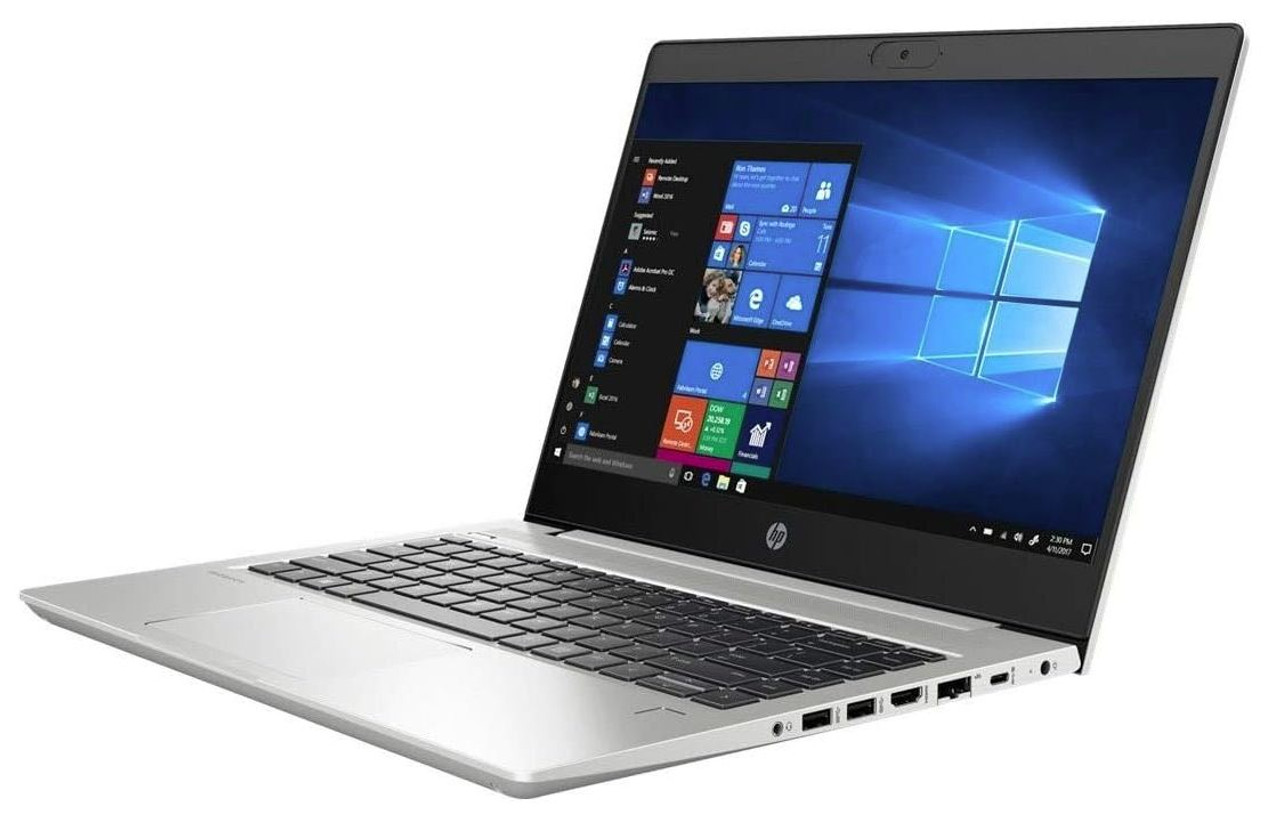
At this price point, the focus shifts from cutting-edge features to reliable, everyday functionality. Refurbished business-grade models often contain components that were premium just a few years ago, offering better performance and durability than a brand-new consumer laptop in the same price bracket. Prioritising an SSD and sufficient RAM is crucial for maximising speed.
What Your Money Can Buy
A budget of £200 sets realistic boundaries, yet it can still deliver surprisingly good value if you prioritise essential components. While you will not find high-performance gaming laptops, you can secure a fast, dependable machine for daily computing needs.
The table below provides a quick comparison of what you can expect within this price range:
|
Feature |
What You Can Expect Under £200 |
Ideal For |
|
Processor |
Intel Celeron, Core i3 (older generation), or AMD A-series |
Web use, emails, documents |
|
RAM (Memory) |
4GB (minimum) to 8GB (recommended) |
Smooth multitasking, web apps |
|
Storage |
128GB SSD or 256GB HDD |
Fast startup, quick file access |
|
Display |
11.6”–14” HD |
Portability, comfortable viewing |
|
Operating System |
Windows 10, ChromeOS, or Linux |
Everyday productivity |
|
Battery Life |
5–8 hours |
Study, travel, light tasks |
Although these specifications may appear modest, they are highly suitable for students, remote workers, or anyone needing an affordable system for necessary computing tasks.
Features to Look for in a Fast Laptop Under £200
Focusing on the right internal hardware is the most important step in finding a fast budget laptop. A decent processor and ample RAM are important, but the single greatest contributor to perceived speed is almost always the storage type; an SSD over an HDD will feel significantly faster for daily tasks like booting up and launching applications.
Key Components for Speed and Reliability
Not all laptops in this price category are equal. When assessing your options, it is important to identify which components directly contribute to speed and long-term reliability.
Processor and Performance
The laptop's processor (CPU) dictates how quickly it handles tasks. Within this budget, Intel Celeron, Pentium, or older Core i3 models are common. For AMD, look for A4, A6, or E2 chips.
While these processors are not designed for intensive video editing or gaming, they perform admirably for:
- Web browsing and streaming
- Document preparation
- Video conferencing
- Light photo manipulation
The aim is to find a balance. Avoid very old dual-core processors if possible and seek out slightly newer generations that offer enhanced efficiency.
Memory (RAM)
RAM enables your laptop to manage multiple tasks simultaneously. A minimum of 4GB RAM is required for basic functionality, but 8GB is strongly recommended if you plan to multitask or use numerous web-based applications frequently.
Laptops that allow for upgrades are a definite advantage. Some refurbished models permit you to expand the RAM later, which ensures better long-term performance.
Storage Type
Storage significantly impacts speed. Solid-State Drives (SSDs) provide a substantial speed increase compared to traditional Hard Disk Drives (HDDs). Even a smaller 128GB SSD is preferable to a larger 500GB HDD for overall system responsiveness.
For quicker startup times and faster application loading, always prioritise SSD storage.
Display and Build Quality
Affordable laptops typically come with 11 to 14 inch HD displays, offering good portability and energy efficiency. While Full HD (1080p) is ideal, a 1366x768 display is entirely adequate for office and academic work.
Prioritising durable build quality is also wise. Refurbished business laptops often feature robust designs that have already proven their reliability in corporate environments.
Battery Life
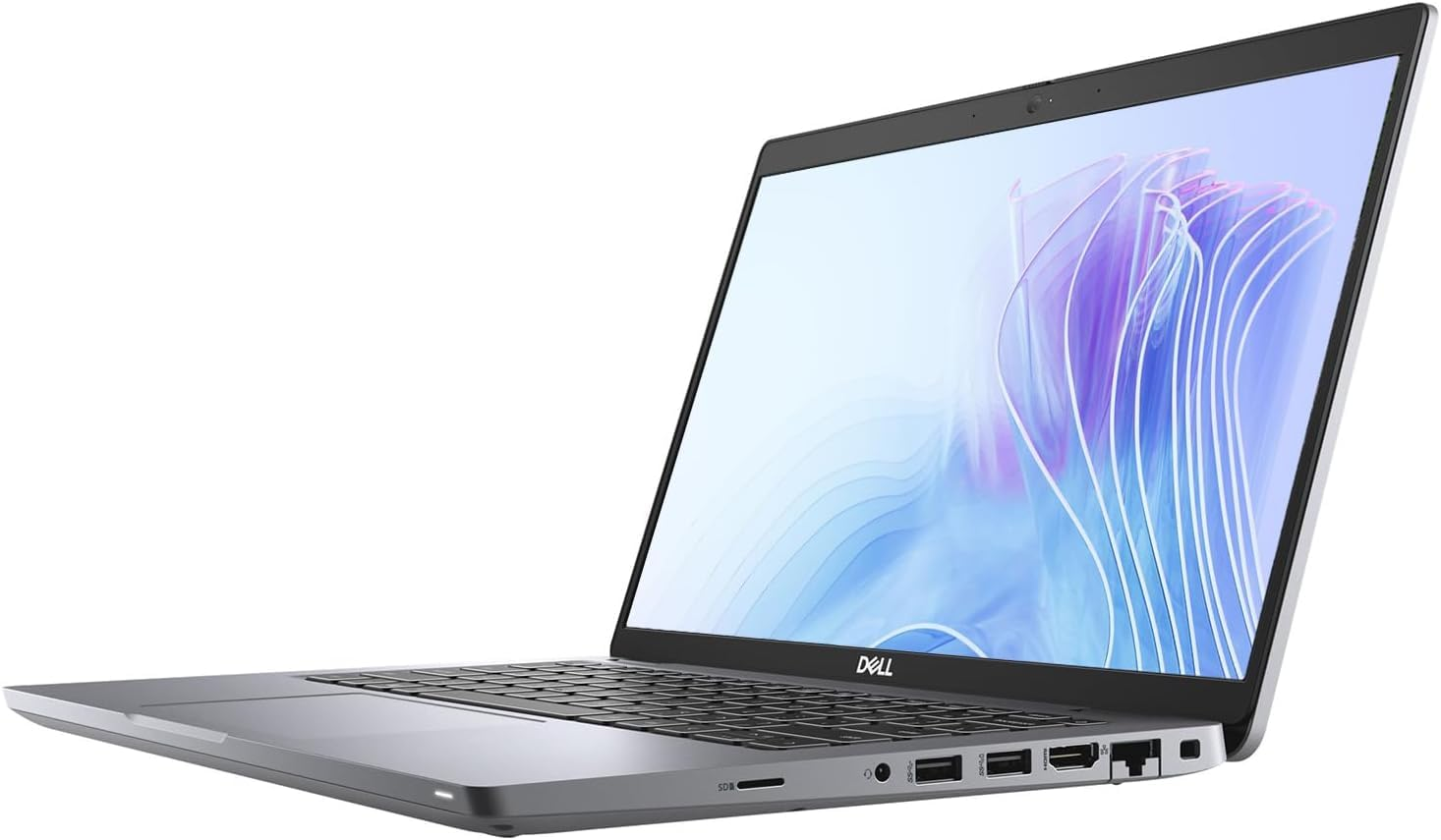
Battery longevity is crucial, especially if you require a portable device. Look for a device that offers at least 5 to 8 hours of usage. Refurbished business-grade laptops, from brands such as Dell or Lenovo, often maintain good battery performance after professional servicing.
Why Refurbished Laptops Provide Excellent Value
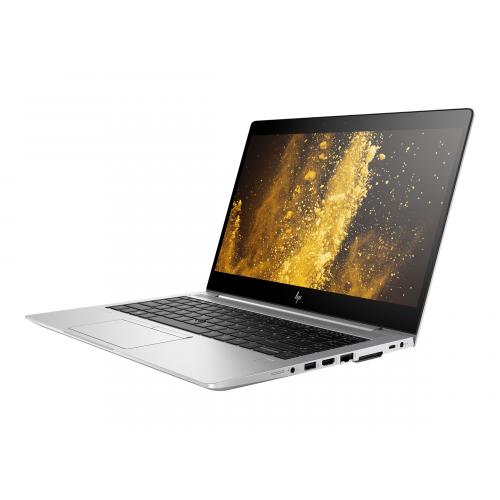
Choosing a professional refurbisher offers several benefits over purchasing a brand-new, entry-level laptop. You gain access to superior, durable hardware (often ex-corporate models) that has been expertly tested and comes with a warranty, giving you a faster, more reliable machine for the same budget.
Benefits of Choosing Professionally Restored Devices
A refurbished laptop is a pre-owned device that has been professionally restored to full, reliable working order. Unlike used laptops sold privately, refurbished systems are rigorously tested, cleaned, and certified by experts.
Benefits of Choosing Refurbished Laptops
- Cost-Effectiveness Access premium, business-grade laptops for less than £200.
- Higher Quality Refurbished devices often contain superior components and have stronger build quality than new consumer-grade models at the same price point.
- Sustainability Buying refurbished extends the life of existing technology, which helps to reduce electronic waste and supports environmental responsibility.
- Warranty Support Most reputable sellers, including Combro Technology, provide essential warranty coverage for added peace of mind.
Key Checks for Refurbished Models
Before making a purchase, verify the following:
- The laptop’s refurbishment grade (Grade A usually indicates minimal cosmetic wear).
- Confirmation that the laptop includes a genuine operating system licence.
- The duration of the warranty (a minimum of 6 months is recommended).
- The seller's reputation and customer reviews.
Where to Find Fast Laptops Under £200 in the UK
The most secure route is typically through specialist refurbishers, as they offer certified products with clear grading and warranty terms. While online retailers can offer good deals, they require careful vetting of the individual seller to ensure you receive a genuinely reliable and professionally serviced device.
Locating Trustworthy Suppliers
Sourcing from a dependable supplier is vital when purchasing on a budget. Here is how to locate trustworthy sources for laptops under £200.
Authorised Refurbishers
Certified refurbishers, such as Combro Technology, specialise in providing low-cost refurbished laptops across the UK. They focus on supplying thoroughly tested, certified, and fully functional laptops that are reliable for long-term use.
Authorised sellers offer:
- Verified refurbishment processes
- Genuine software licensing
- Warranty and dedicated customer support
- Transparent product descriptions
You can explore available models directly with Combro Technology, where every laptop undergoes strict quality-checking before dispatch.
Online Retailers
Major online platforms also list budget laptops. However, when buying from such platforms, always carefully examine the seller's ratings, warranty information, and detailed product descriptions to avoid low-quality devices.
Local Computer Stores
Some independent computer repair shops refurbish and sell pre-owned laptops. Visiting these shops allows you to check a laptop’s physical condition and test its performance prior to purchase.
New vs Refurbished: Comparing Value
When directly comparing a new £200 laptop with a professionally refurbished one, the refurbished option often provides a superior user experience. This is mainly due to the inclusion of components like faster processors and SSDs, which dramatically enhance real-world speed and responsiveness for daily tasks.
Performance and Price Comparison
Let’s compare brand-new laptops priced below £200 with quality refurbished alternatives:
|
Aspect |
New Laptops |
Refurbished Laptops |
|
Price Range |
£180–£200 |
£130–£180 |
|
Performance |
Entry-level specifications |
Higher specifications (older business models) |
|
Build Quality |
Often basic plastic chassis |
Stronger, business-grade construction |
|
Warranty |
12 months standard manufacturer warranty |
6–12 months seller-provided warranty (varies) |
|
Sustainability |
Standard |
Highly eco-friendly choice |
|
Value for Money |
Moderate |
Excellent due to higher performance components |
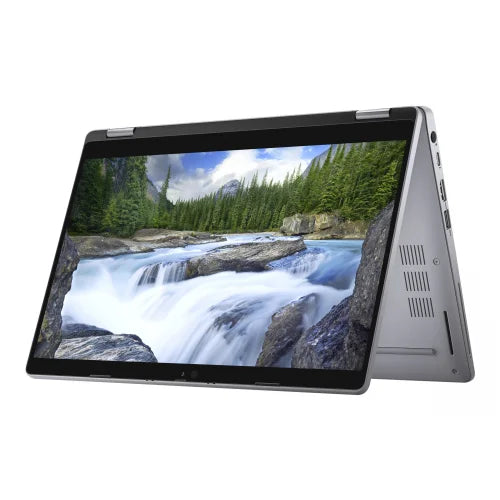
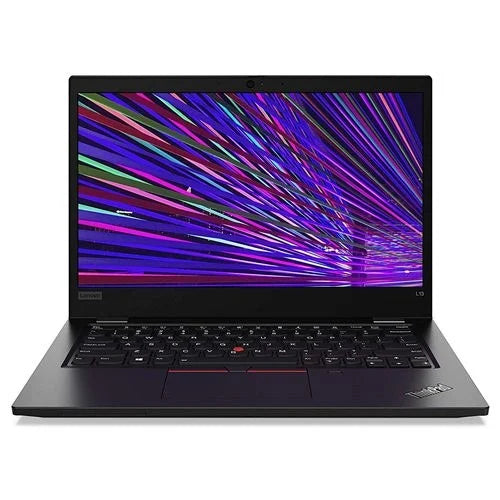
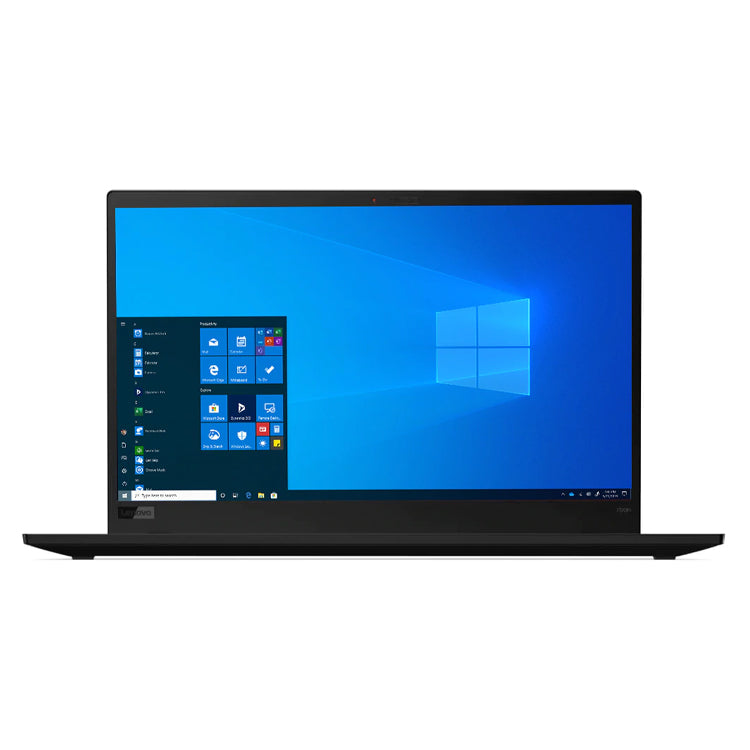
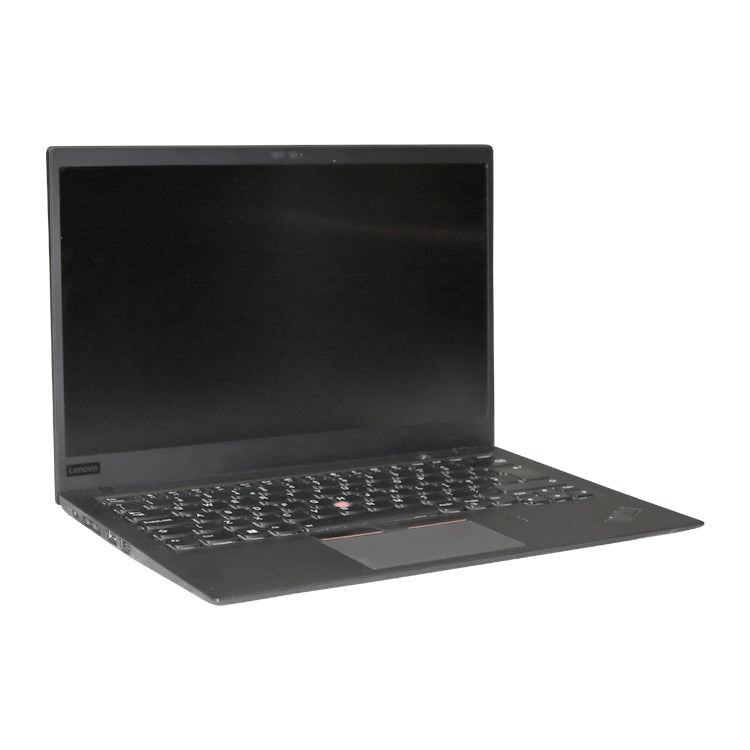
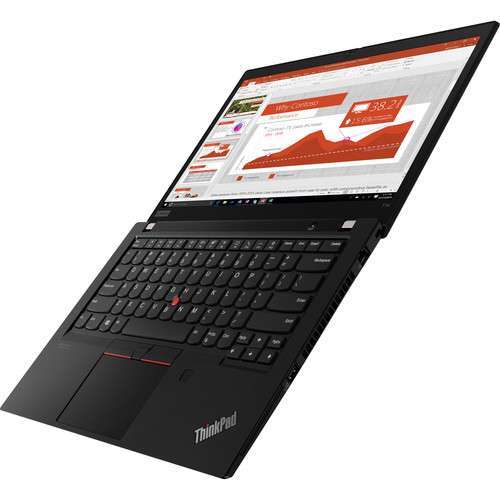
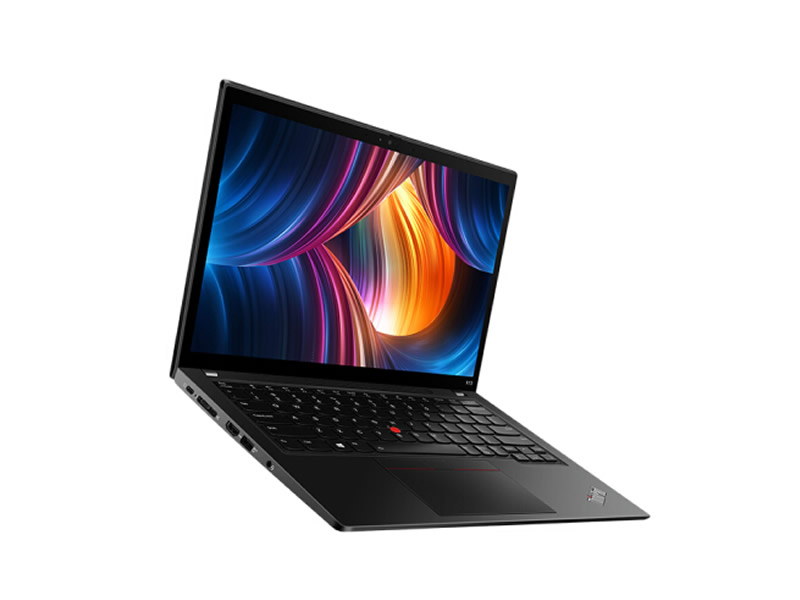
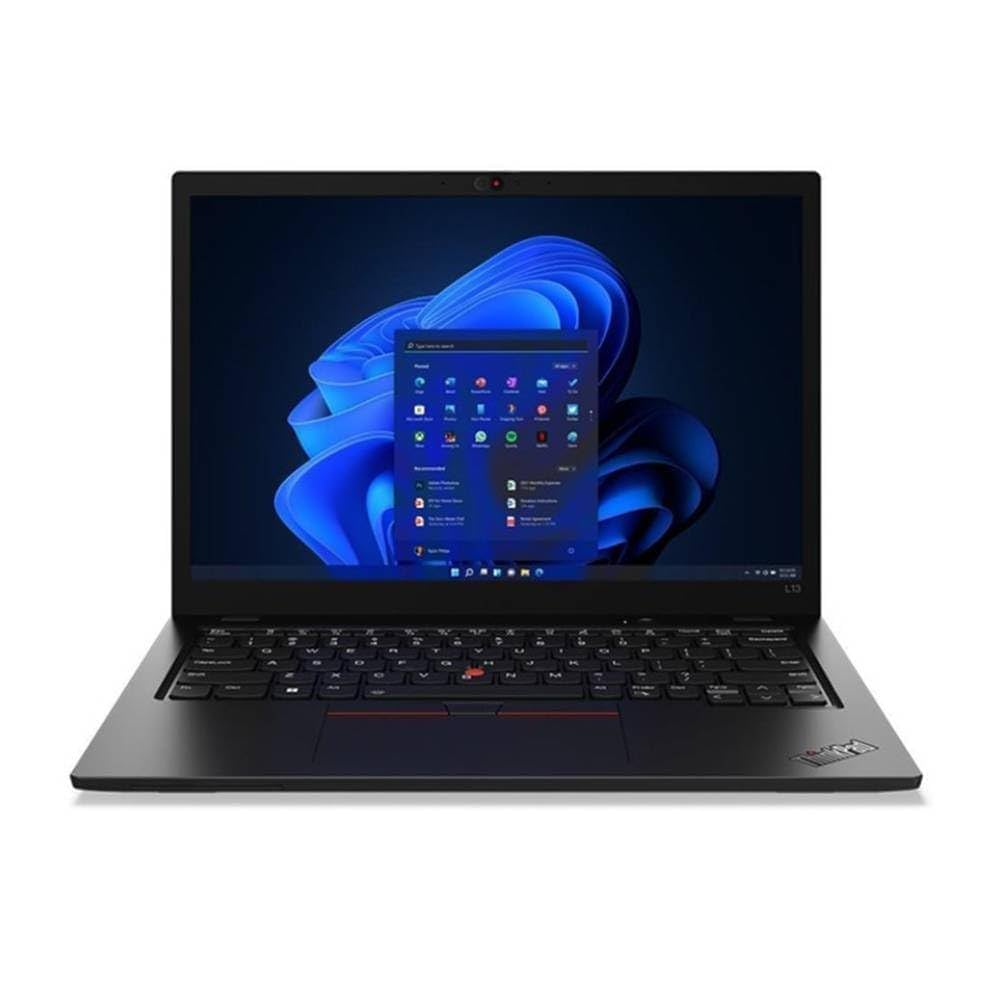
Quality refurbished laptops often outperform brand-new entry-level models in terms of processing power, build durability, and overall long-term usability. For example, a refurbished Lenovo ThinkPad with an SSD will typically perform better than a new, basic Chromebook at the same price.
Essential Buying Tips for the Best Laptop Under £200
A successful budget purchase hinges on a few crucial steps: prioritizing the SSD for speed, ensuring you have enough RAM (ideally 8GB), and buying from a reputable seller to guarantee professional servicing and warranty support. Never compromise on these core elements.
Practical Advice for a Smart Purchase
When shopping with a limited budget, keeping these practical tips in mind will ensure you make the best purchase:
- Check Specifications Carefully Always verify the processor model, RAM size, and the type of storage (SSD is preferred).
- Prioritise SSD Storage SSDs dramatically enhance the speed and responsiveness of budget laptops.
- Choose Reliable Retailers Stick with trusted and verified suppliers such as Combro Technology.
- Read Customer Reviews Look for real-world feedback to confirm the laptop's actual performance and reliability.
- Inspect Return Policies Ensure the supplier offers a clear return or exchange policy for any faulty products.
- Consider Alternative Operating Systems Operating systems like ChromeOS or Linux run very efficiently on hardware with lower specifications.
Following these steps will help you avoid common purchasing issues and ensure your device offers genuine, long-term value.
Making the Most of Your Budget Laptop
Simple, regular maintenance can significantly impact the long-term performance of your affordable laptop. Keeping the software lean, deleting unused files, and ensuring the device is dust-free are easy ways to prevent slowdowns and maximise its lifespan and speed.
Simple Maintenance for Enhanced Performance
Once you have purchased a fast laptop under £200, a few simple maintenance steps can further enhance its performance and lifespan:
- Keep Your System Updated Install operating system and security updates on a regular basis.
- Remove Unused Programs This frees up storage space and helps improve boot times.
- Use Lightweight Software Opt for cloud-based or web-based applications where possible.
- Clean Your Device Keep cooling vents dust-free to maintain optimal performance and prevent overheating.
- Back Up Your Data Regularly save your important files to an external drive or cloud storage service.
These practices will extend the life of your laptop and maintain its consistent performance for several years.
Final Thought
Buying a fast laptop under £200 in the UK is entirely possible when you understand what matters most. By focusing on essential features such as SSD storage, a capable processor, and adequate RAM, you can choose a reliable and efficient device that meets your everyday needs without exceeding your budget.
Refurbished laptops offer a smart balance of cost, sustainability, and dependability. They are ideal for studying, business use, or personal projects, providing smooth performance and long-term value.
Affordable computing is about making informed and sustainable choices that deliver real worth over time. If you would like expert guidance or need help finding the right laptop for your requirements, feel free to contact us for support and assistance.
Frequently Asked Questions
1: Are laptops under £200 suitable for studying?
Yes, laptops under £200 are suitable for everyday study tasks such as note-taking, online classes, and research. Many refurbished options include SSDs for fast performance and stable connectivity.
2: Can I use a refurbished laptop for professional business tasks?
Yes, a refurbished laptop can handle most business applications if it has an SSD and at least 4GB of RAM. Many are built for reliability and professional use.
3: Is it secure to buy a laptop below £200 from an online retailer?
Yes, it’s secure if you buy from certified refurbishers or trusted UK-based retailers. Always review warranty details and return policies before purchasing.
4: How long can I expect a refurbished laptop to last?
With good care and regular maintenance, a refurbished laptop can last around three to five years. Upgrading storage or the battery can extend its lifespan.
5: What is the better operating system for an affordable laptop, Windows or ChromeOS?
Both are good choices. ChromeOS runs smoothly on lower-end hardware, while Windows offers more flexibility for software and productivity tools.